
How to Verify Your SASSA R350 Payment: Complete 2025 Guide to SRD Status & Verification
For millions of South Africans, the SASSA Social Relief of Distress (SRD) grant is more than a number. That R370 payment can mean groceries for the month, taxi fare to work interviews, or medicine for a sick child. But receiving it isn’t always smooth.
Many beneficiaries log in, only to see “pending” or “approved but no pay date.” Others are asked to complete identity verification, update banking details, or appeal a sudden decline. If you’ve ever felt lost in SASSA’s system, you’re not alone.
What Is the SASSA R350/R370 Grant?
The R350 grant, introduced during COVID-19, was officially increased to R370 in April 2024. Despite the new amount, many people still call it the “R350 grant.” Both terms point to the same SRD grant.
It is temporary social assistance given to:
- Unemployed South Africans between 18 and 60.
- People without UIF, NSFAS, or other government income support.
- Citizens and some special permit holders (like asylum seekers).
It’s a monthly benefit, but eligibility is checked every month — meaning approval one month doesn’t guarantee payment the next. That’s why verification is key.
Why You Must Verify Your SASSA Payment
Verifying your status every month ensures that:
- Your details match with Home Affairs and bank records.
- You remain eligible under the means test.
- You spot problems early — like banking errors or flagged accounts.
- Fraud is prevented, keeping the system fair.
Common Terms You’ll Hear:
- Pending: Your application is in process.
- Approved: You’ve qualified for payment.
- Approved but no pay date: You’re cleared, but payment hasn’t been scheduled.
- Declined: Your application was rejected.
- Referred: Your application needs more checks (e.g., fraud risk).
- Awaiting ID Verification: You must complete identity verification.
Being familiar with these terms prevents stress and helps you know your next move.
Step-by-Step: How to Verify Your SASSA R350 Payment Status
There are several official methods. Use whichever works best for you.
Method 1: Online Portal
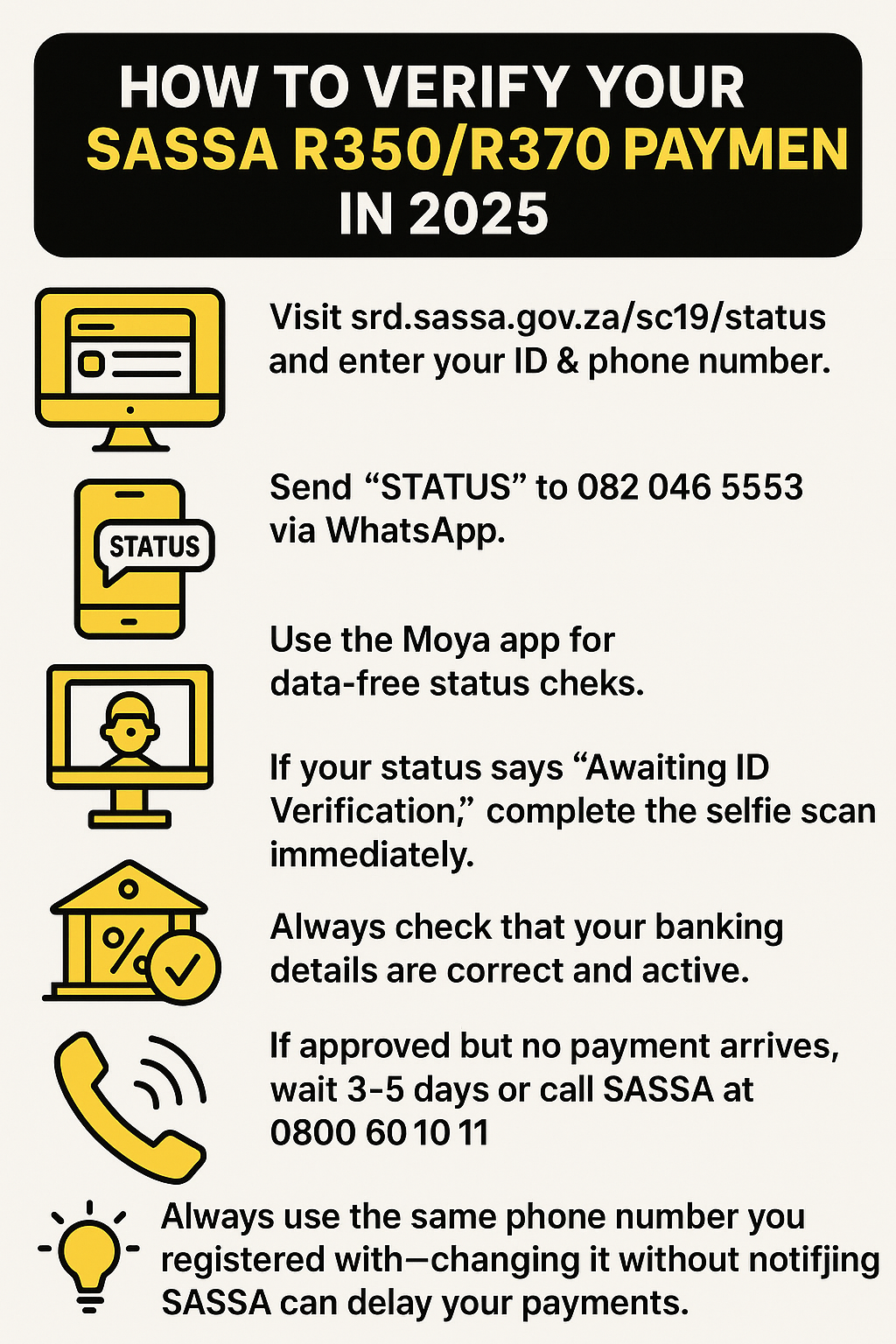
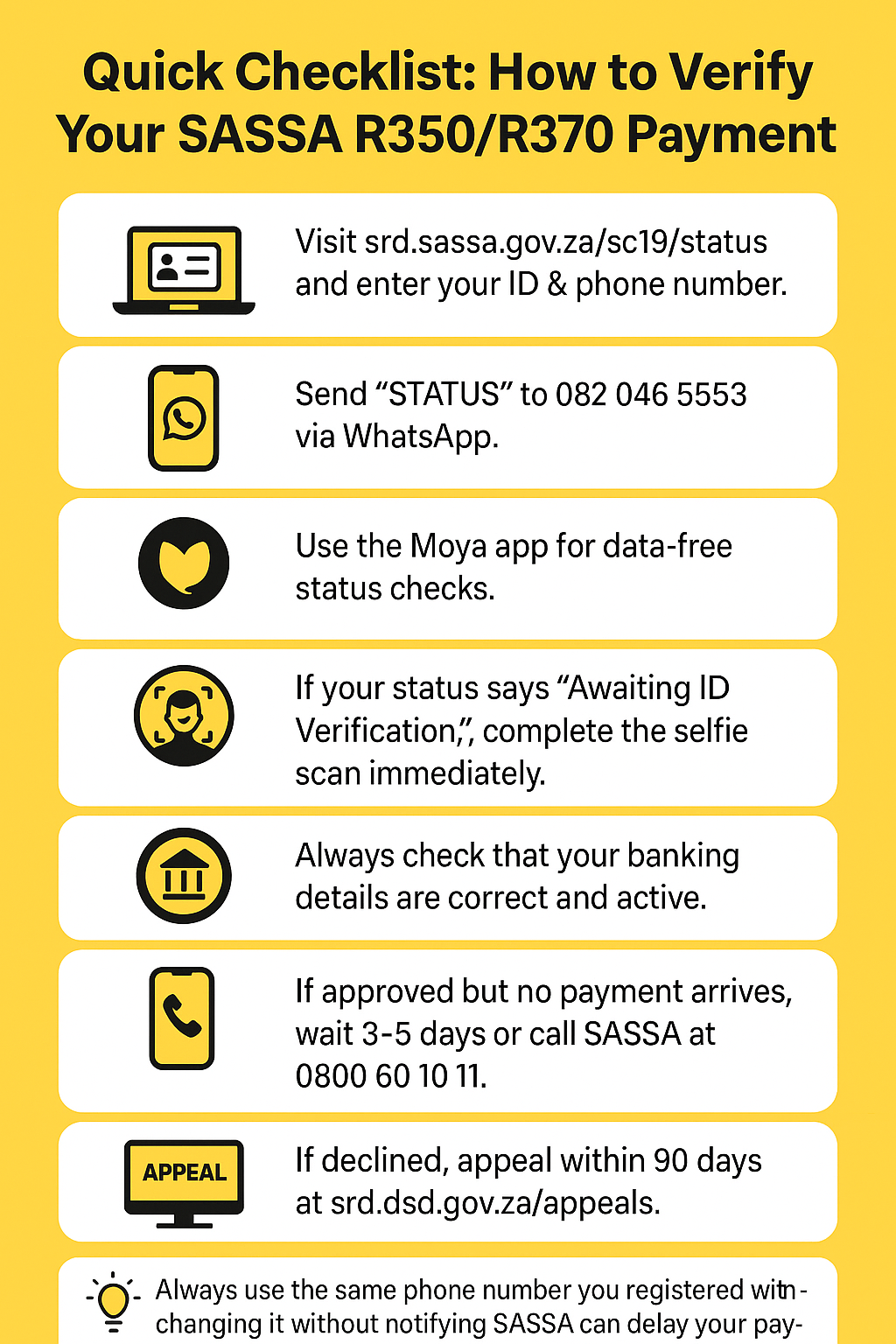
- Visit https://srd.sassa.gov.za/sc19/status.
- Enter your ID number and the cell number used during application.
- Click “Submit.”
- Your status and, if approved, your payment date will appear.
Method 2: SMS Status Check
- Open your SMS app.
- Type: STATUS ID_NUMBER (e.g., STATUS 1234567890123).
- Send to 32555.
- Wait for a reply with your status.
Method 3: WhatsApp Status Check
- Save the number 082 046 8553.
- Open WhatsApp and send “Hi.”
- Follow the prompts and select SRD Status Check.
- Enter your ID and phone number.
Method 4: Call the Hotline
- Dial 0800 60 10 11.
- Follow the voice prompts.
- Provide your ID and cellphone number.
Method 5: Moya App (Data-Free Option)
- Download the Moya App from Play Store.
- Navigate to SASSA SRD services.
- Enter your ID and phone number to check status.
Understanding SASSA Identity Verification
Sometimes, SASSA needs extra proof to confirm you are who you say you are. This usually happens when:
- Your details don’t match Home Affairs records.
- Your application was flagged for fraud checks.
- You changed your phone number or banking details.
This triggers an “Awaiting ID Verification” status. To clear it, you’ll need to complete facial recognition.
5. How to Request the SASSA ID Verification Link
Here’s how to get the link:
- Go to srd.sassa.gov.za.
- Select “ID Verification.”
- Enter your 13-digit ID number.
- Click Request Link.
- Wait for an SMS (1–3 days).
- Click the link and follow instructions.
Important: Always use the same cellphone number you used during your original application.
Completing the Facial Recognition Verification
When you receive the link:
- Open the SMS and click the link.
- You’ll be directed to Home Affairs’ system.
- Take a live selfie (make sure you have good lighting).
- Confirm your ID and details.
- Submit.
- Wait for an SMS confirming completion.
If you fail the scan, try again with clear lighting and without glasses or hats.
Reasons Why Your SASSA Payment May Be Delayed
Payment delays are common but usually have simple explanations:
- Incorrect Banking Info: Payment can’t process into invalid accounts.
- Awaiting ID Verification: Facial recognition not completed.
- Means Income Identified: Your income was flagged above threshold.
- Technical Errors: Server problems on SASSA’s side.
- Public Holidays: Payments paused until working days.
- Fraud Flag: Your account is under investigation.
- NSFAS/UIF Overlap: System shows other funding.
Approved But No Payment Date — What This Means
One of the biggest frustrations is seeing “Approved” but no money. This usually means:
- Your banking details are under verification.
- The payment batch has not yet been released.
- There’s a processing backlog.
What you should do:
- Wait at least 3–5 working days.
- Double-check your bank details on the SRD portal.
- If still no pay date after a week, call 0800 60 10 11.
Reconfirming Your Application
SASSA now requires beneficiaries to reconfirm their application every few months. This ensures you still qualify.
To reconfirm:
- Go to srd.sassa.gov.za.
- Select “Reconfirm Existing Application.”
- Enter your ID and cell number.
- Answer updated questions.
- Submit.
Failure to reconfirm may lead to suspension.
How to Fix Failed SASSA Verification
If you get “Verification Failed”:
- Make sure your ID matches Home Affairs.
- Redo the facial scan clearly.
- Use the correct registered number.
- Appeal if you believe it’s incorrect.
How to Appeal a Declined Application
If declined, you can appeal within 90 days.
- Visit https://srd.sassa.gov.za/appeals.
- Enter your ID and cell number.
- Click Send PIN.
- Enter the PIN.
- Select the declined month.
- Give a reason and upload proof.
- Submit.
The appeal may take up to 90 days to resolve.
SASSA R350/R370 Payment Schedule (2025 Updated Table)
Month | Payment Window |
|---|---|
January 2025 | 24–30 Jan |
February 2025 | 21–27 Feb |
March 2025 | 24–28 Mar |
April 2025 | 22–26 Apr |
May 2025 | 20–26 May |
June 2025 | 24–28 Jun |
July 2025 | 23–30 Jul |
August 2025 | 25–29 Aug |
September 2025 | 23–30 Sep |
October 2025 | 24–30 Oct |
November 2025 | 21–27 Nov |
December 2025 | 15–20 Dec |
Comparison: Verification Methods & Timeframes
Method | Type |
|---|---|
Online Portal | Status & Payment Check |
SMS | Status Check |
Interactive Check | |
Hotline | Call Center |
Moya App | Data-Free Check |
SASSA Link | ID Verification |
Fraud Warnings & Scam Alerts
Unfortunately, scammers target SASSA beneficiaries. Be careful of:
- Fake SMSes asking for OTPs.
- WhatsApp groups promising faster payments.
- Agents charging fees for applications.
Remember: SASSA never charges fees, and no one can “fast-track” your payment.
Real-Life Stories: Lessons from Beneficiaries
Zanele’s Story
Zanele from Mthatha was approved in June but didn’t see a payment date. She tried the WhatsApp method and discovered her banking info was outdated. After updating, she was paid within three days.
Lerato’s Story
Lerato, a domestic worker, forgot to update her new bank account. Her July payment failed. After correcting her details on the portal, she received her August payment smoothly.
These stories show that small errors cause big delays, but solutions are usually simple.
Pro Tips to Keep Your Payments Smooth
- Always use your own bank account.
- Reconfirm your application on time.
- Check your status monthly.
- Update banking details immediately if they change.
- Keep your cellphone number active.
- Appeal within 90 days if declined.
- Avoid public Wi-Fi when entering personal details.
Conclusion: Stay Verified, Stay Paid
Verifying your SASSA R350/R370 payment status isn’t just about clicking a link. It’s about protecting your dignity, keeping food on the table, and staying in control of your grant.
By using the official channels, reconfirming when asked, updating your banking details, and appealing if necessary, you ensure your grant arrives every month.
The system may feel complicated, but with this guide, you now have the knowledge to manage it confidently.
Share this article with others — because when everyone understands how to verify their grant, communities grow stronger together.
Frequently Asked Questions (FAQs)